Journal entries — automatic and manual
Every Vendly transaction posts a journal entry automatically. When (and how) you should ever raise a manual one.
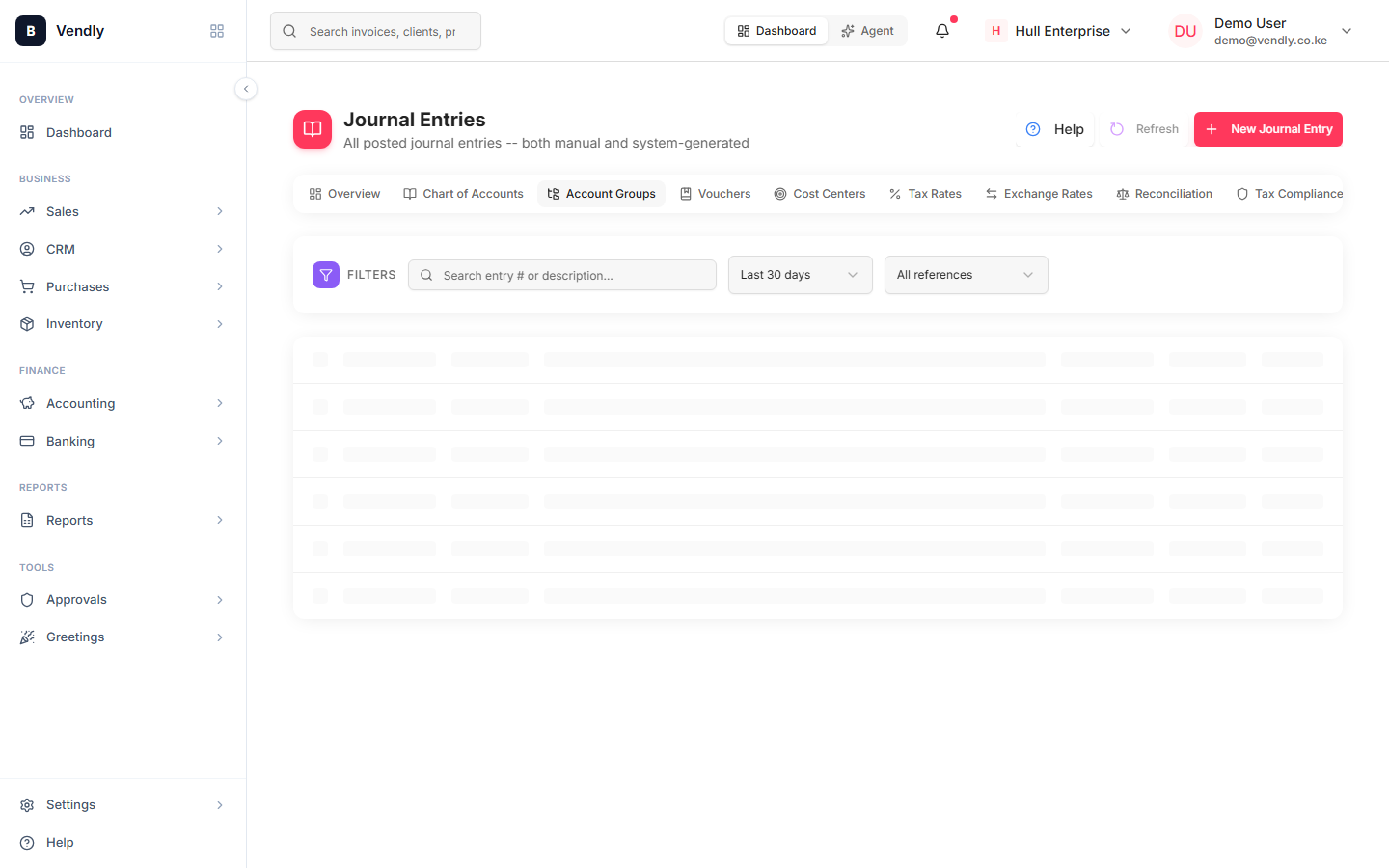
A journal entry is one or more debits and credits that always balance. Vendly posts them automatically from every transactional event (invoices, payments, GRNs, payroll, credit notes, stock takes…). You only need to raise a manual journal for adjustments that don't have a transactional source — depreciation, accruals, prepayments, error corrections.
Auto-posted journals
| Source document | Debits | Credits |
|---|---|---|
| Invoice | Accounts Receivable | Sales Revenue + Output VAT |
| Payment Receipt | Bank or Cash | Accounts Receivable |
| Purchase Invoice | GRN Clearing + Input VAT | Accounts Payable |
| GRN | Inventory | GRN Clearing |
| Payroll Run (approved) | Salaries Expense + Employer NSSF/AHL/NITA | Net Pay Payable + PAYE/NSSF/SHIF/AHL Payables |
| Payroll Run (paid) | Net Pay Payable | Bank or M-Pesa |
| Credit Note | (reverses original invoice JE — partial or full) |
If you find yourself raising manual journals to undo or correct an auto-posted one, STOP. Go back to the source document and edit / reverse there. Manual corrections of auto journals break the audit trail and reconciliation between the document and the ledger.
Manual journal use cases
- Monthly depreciation — Dr Depreciation Expense / Cr Accumulated Depreciation. Use a Recurring Journal so it auto-posts every month.
- Accruals — recognised expenses you'll be billed for later: Dr Expense / Cr Accrued Expenses.
- Prepayments — payments made in advance for future periods: Dr Prepayments / Cr Cash, then reclass monthly.
- Bank charges that aren't part of a payment — Dr Bank Charges / Cr Bank.
- Foreign exchange gain/loss on year-end revaluation.
- True opening balances on go-live.
- Audit adjustments after year-end.
Raising a manual journal
- Accounting → Journal Entries → New Journal Entry.
- Pick the posting date (must be in an open period).
- Add at least two lines — one debit, one credit, balanced to zero.
- Write a clear narration. 'May depreciation - office equipment' beats 'Adjustment'.
- Save as DRAFT to review or POSTED to publish.
Recurring journals
Anything you'd raise the same journal for every month — depreciation, rent accrual, lease amortisation — turn into a Recurring Journal. It auto-posts on the schedule you pick (1st of month, last day, etc.).
Recurring Journals
Recurring Journals