File your monthly P10 (PAYE return)
Generate the iTax-ready CSV from Vendly, upload to KRA, and pay the PAYE due. Due by the 9th of the month following the pay period.
The P10 is KRA's monthly PAYE return — one row per employee, listing PIN, gross, allowable deductions, taxable income, gross tax, reliefs and net PAYE. Vendly builds the file from your approved payroll runs; you upload it on iTax and remit the PAYE.
P10 is due by the 9th of the month following the pay period. Late filing attracts a penalty of KES 10,000 or 5% of the tax due, whichever is higher.
Before you file
- Confirm every employee on the run has a valid KRA PIN. Rows with a blank PIN will fail validation on iTax.
- The run must be in COMPLETED or APPROVED status — DRAFT runs are excluded from the export.
- Cross-check the cumulative gross / PAYE totals against your bank's payroll-payment file before uploading.
Generate the P10 CSV
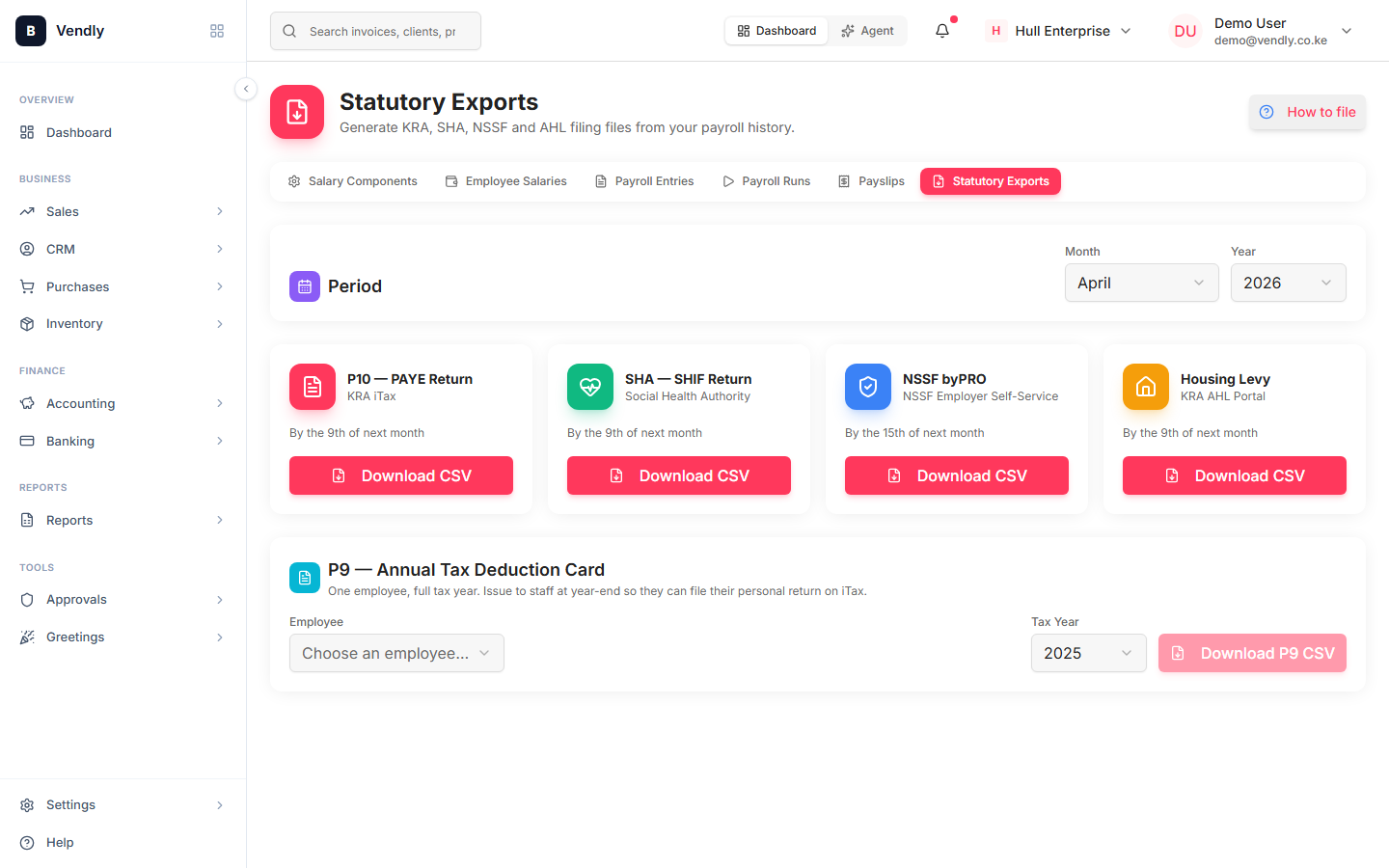
Pick the period
Month + year for the period you're filing. The picker defaults to the previous month — usually the right answer.
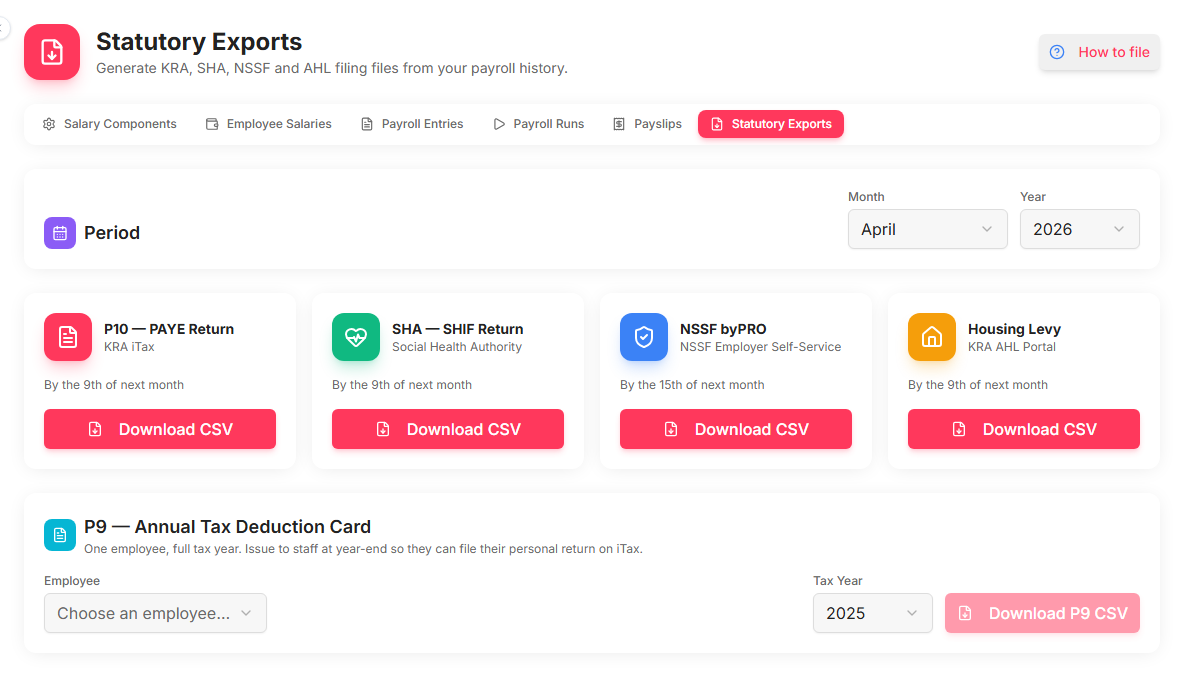
Click 'Download CSV' on the P10 card
The file is named P10-YYYY-MM.csv and includes the 19 columns KRA expects, with whole-shilling values per KRA practice.
Upload on iTax
- Log in to iTax with your employer PIN and password.
- Returns → File Return → Tax obligation: Income Tax — PAYE.
- Select the period you're filing.
- Use the bulk-upload option for employee details — that's where Vendly's CSV goes.
- Submit. iTax issues an Acknowledgement Receipt and a Payment Registration Number (PRN).
- Pay using the PRN at any KRA-appointed bank or via mobile money (M-Pesa Paybill 572572).
Common upload errors
| iTax error | What it means | Fix |
|---|---|---|
| Invalid PIN format | An employee's KRA PIN is blank or malformed | Update the PIN on the employee profile, re-export |
| Tax computation mismatch | Reported PAYE doesn't reconcile to KRA's recomputation | Usually a non-taxable allowance flagged as taxable — check the Salary Components |
| Duplicate PIN | Same employee appears twice in the upload | Run-level dedup; usually means two PayrollRecord rows for one employee in the same period |
After filing
Mark the payroll run as PAID in Vendly once you've remitted the PAYE — that creates the second journal entry (Dr Net-Pay Payable / Cr Cash) and closes the period for the purposes of statutory reconciliation.
Mark the run paid
Payroll RunsKenya law that applies
- Income Tax Act, Cap 470
Primary statute for PAYE, allowable deductions, reliefs and benefit-in-kind valuation.
- KRA iTax portal
Where monthly PAYE, VAT and other returns are filed.
- KRA Employer's Guide to PAYE
KRA's operational PAYE manual; Appendix 7C carries the car-benefit rate table.