Bank reconciliation — closing the loop monthly
The point where Vendly's bank balance and the actual bank balance finally agree. Required before you can close a period.
Reconciliation is the formal sign-off that says: 'every transaction on the bank statement is in Vendly, and every transaction in Vendly is on the bank statement, and they agree on the closing balance.' Run it for every account, every month, before the period is locked.
Pre-requisites
- All Bank Transactions for the period have been imported.
- All customer Payment Receipts for the period have been recorded.
- All supplier Payout Receipts have been recorded.
- The payroll run is paid (which posts the bank-side journal).
- Bank charges, interest and any other direct-journal items have been entered.
Running a reconciliation
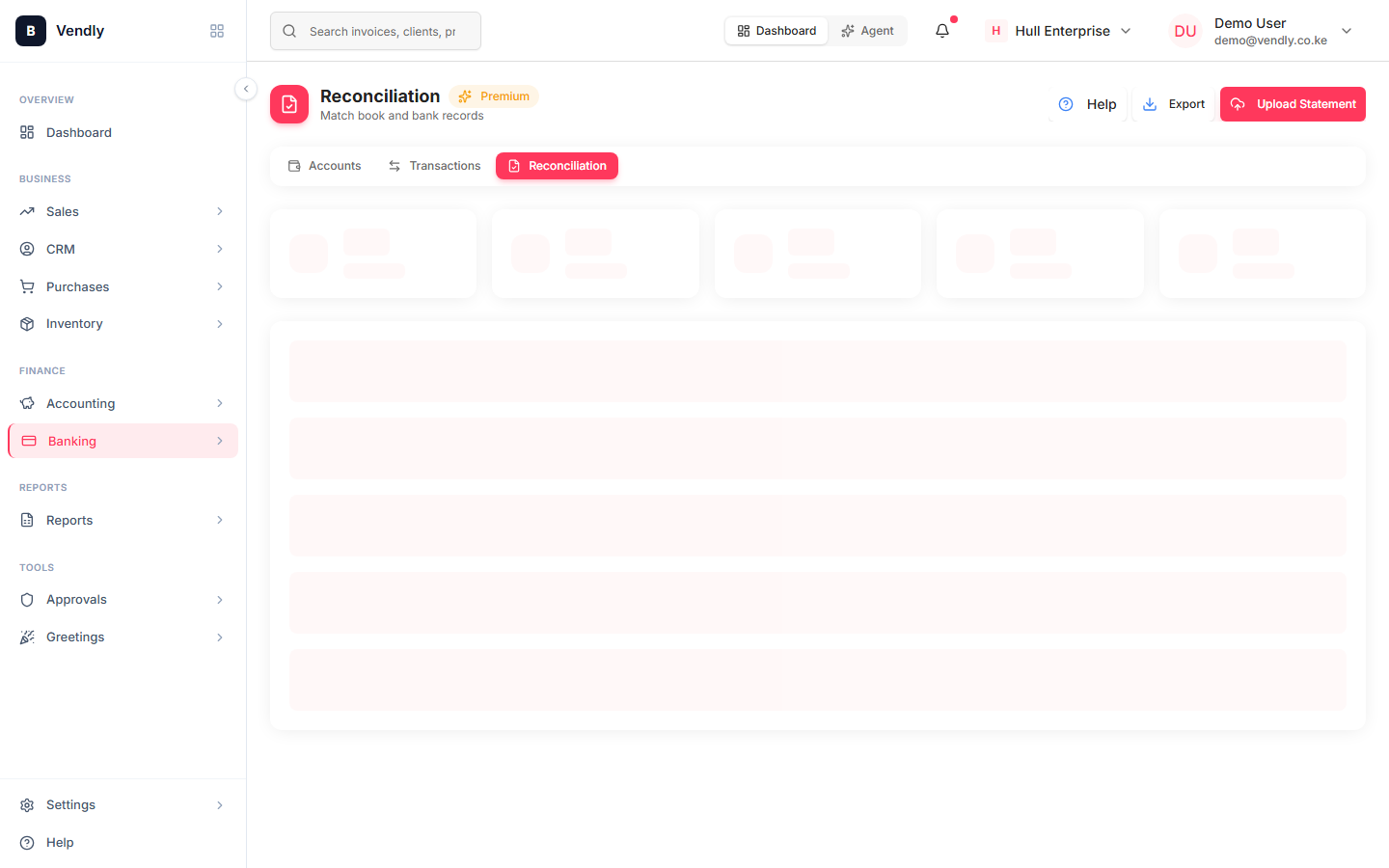
- Banking → Reconciliation → New Reconciliation.
- Pick the bank account and the period (typically the calendar month).
- Vendly shows two columns: Vendly's transactions vs the statement's transactions. Each line has a checkbox.
- Tick every pair of lines that match. Tools available: auto-match by amount + date, match-by-reference, manual match for the stragglers.
- An UNMATCHED list at the bottom shows what's left on each side. The two sides MUST equal each other before you can save.
- Once the unmatched-difference is zero, save. Vendly snapshots the reconciled balance and timestamp.
Common variance categories
| What | Side | Action |
|---|---|---|
| Bank fee | Bank only | Add the bank-charge journal in Vendly |
| Customer payment not recorded yet | Bank only | Create the Payment Receipt |
| Issued cheque not yet cleared | Vendly only | Legitimate timing — leave unmatched this period, match next month |
| Customer paid wrong reference | Both sides, no match | Manually link the bank-side line to the Vendly Payment Receipt |
| Wrong amount on either side | Both sides | Investigate — bank error or Vendly data-entry error |
| Duplicate entry | Vendly only | Delete the duplicate (only if NOT month-locked) |
After saving
A saved reconciliation produces a Reconciliation Report — opening balance, plus every reconciled credit, minus every reconciled debit, equals closing balance, and that closing balance equals the bank's. Print or PDF it for the audit folder.
If the difference won't go away
- Re-check the opening balance against last month's reconciled closing.
- Look for an amount EQUAL TO THE DIFFERENCE on either side — most off-by-one variances are a single missed entry.
- Look for an amount equal to HALF the difference on the wrong side — that's a transaction posted as the wrong sign.
- Look for transposition typos in the same magnitude (KES 7,830 vs KES 7,380 — difference is 450, divisible by 9 is a typo flag).
If you can't reconcile in under 30 minutes, the cause is almost always discipline upstream — a payment receipt not created, a bank transaction never imported, a manual journal posted with the wrong account. Fix upstream and reconciliation becomes a 5-minute click-through.