Getting started with banking
Add your bank accounts (real and mobile-money), record their opening balances, and let Vendly do the matching.
Vendly treats every place that holds your money as a Bank Account — a current account at KCB, an M-Pesa Paybill or Till float, a USD account at Stanbic, even petty cash. Each one has its own opening balance, statement upload, transaction list and reconciliation cycle.
1. Add each account
Open Bank Accounts
For each account: pick a clear name (e.g. 'KCB - Main 123456789'), the currency, the GL account it maps to, and the opening balance on your go-live date. M-Pesa Paybill / Till numbers go in here too — they behave exactly like a separate bank account.
Bank Accounts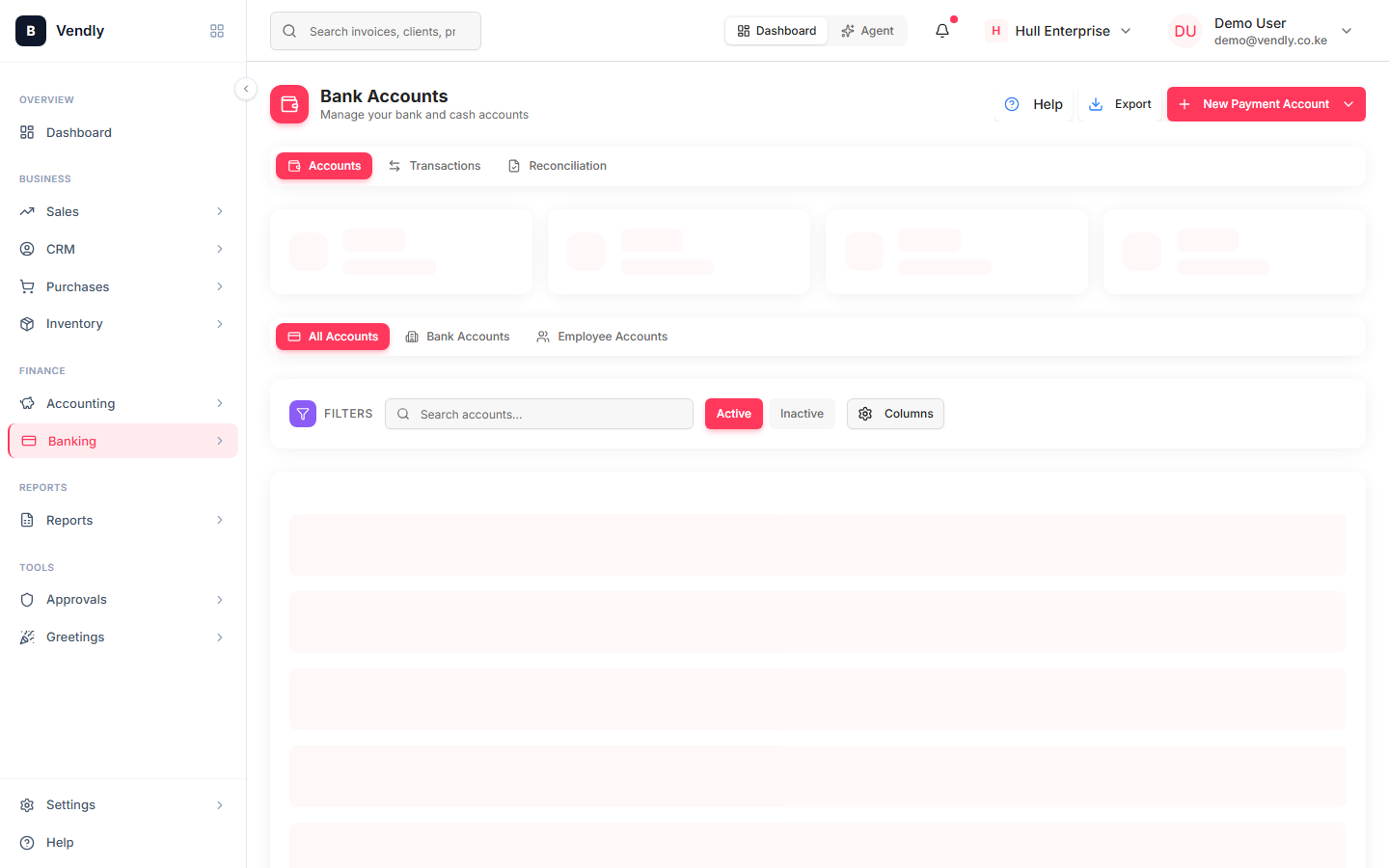
2. Record opening balances
The opening balance is what was sitting in each account at the start of your Vendly period. This figure becomes the first reconciled balance — every transaction afterwards moves it up or down.
3. Import statements monthly
Most Kenyan banks export statements as PDF or CSV. Some support OFX / MT940 directly. Vendly accepts CSV uploads — once per account per month is enough.
Open Transactions
Bank TransactionsWhat each account is used for
| Account type | Examples | What moves through it |
|---|---|---|
| KES current account | KCB, Equity, NCBA | Customer payments, supplier disbursements, payroll, taxes |
| Mobile money | M-Pesa Paybill, Till, Buy Goods | Customer payments by phone, withdrawals to the bank |
| Foreign currency | USD account at Stanbic | Foreign-currency invoices, imports, FX transfers |
| Petty cash | Cash box at the office / shop | Small expense reimbursements, market purchases |
Don't skip M-Pesa — even if it's the only float you operate. Treating M-Pesa as cash-on-hand instead of a bank account means you can't reconcile it against the Safaricom statement, and you can't tell which customer paid which invoice.