Bank transactions — imports, matching and categorisation
Every bank statement line is a transaction. Import them in bulk and match each one to a source document.
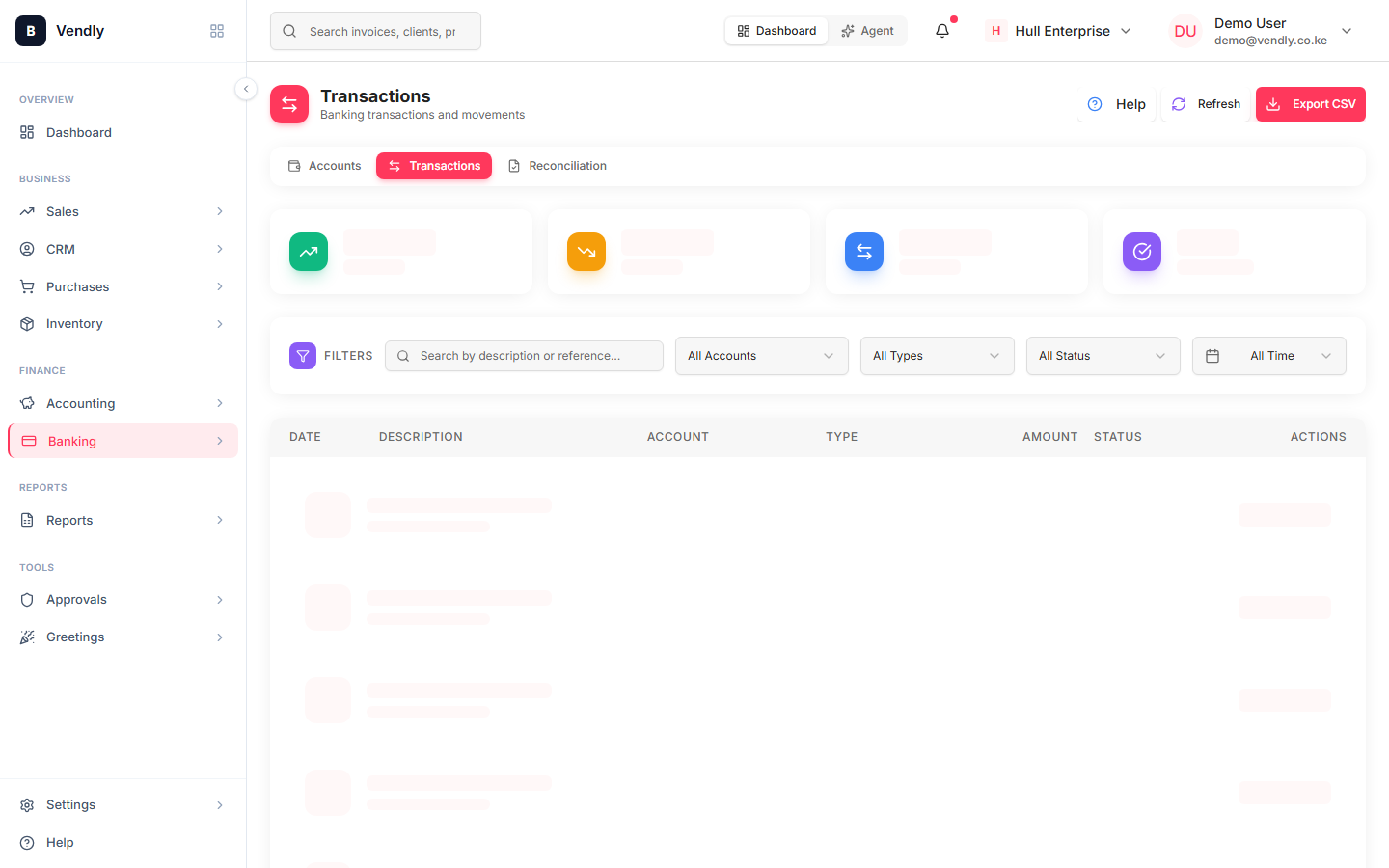
A Bank Transaction in Vendly represents a single line from your bank or M-Pesa statement. Each one needs to be matched to a source document (a customer payment, a supplier disbursement, a fee, a transfer) so the ledger and the statement agree at month-end.
Importing statements
- Download your bank statement for the period (CSV is best, PDF works as a fallback).
- Banking → Transactions → Import.
- Pick the bank account the statement belongs to.
- Upload the file. Vendly parses each line into a draft Bank Transaction (date, amount, description, reference).
- Review for obvious parse errors — wrong dates, double-counted lines, header rows treated as data.
- Confirm import. The transactions appear as UNMATCHED on the list, waiting for you to match them to source documents.
What to match each line to
| Statement line | Match to |
|---|---|
| Credit from a customer | Payment Receipt against an Invoice |
| Debit to a supplier | Payout Receipt against a Purchase Invoice |
| Credit from M-Pesa settlement | Transfer FROM the M-Pesa bank account |
| Salary payment to staff | Mark the payroll run as Paid (which posts the matching JE) |
| Bank charges | Direct journal: Dr Bank Charges / Cr Bank |
| Interest earned | Direct journal: Dr Bank / Cr Interest Income |
| Loan repayment | Split: principal to loan liability, interest to expense |
| Transfer between own accounts | Match the credit on one account to the debit on the other |
Auto-matching
Vendly tries to auto-match each line based on amount + date + reference. Invoice numbers in the bank-statement description usually match cleanly to the issued invoice. Salary disbursements with 'PAYROLL' in the description match to the most recent paid payroll run. Auto-match handles 70-90% of lines on a clean import.
Unmatched transactions
Anything Vendly can't match shows up on the UNMATCHED tab. Each one is one of three things:
- A genuine new entry that hasn't been recorded yet (e.g. a payment from a new customer) — add the source document, then match.
- An existing source document that Vendly couldn't link automatically (typo in the reference) — find the document and match manually.
- Something that needs a direct journal (bank charges, interest, FX adjustment) — create the journal from the line directly.
An unmatched transaction is NEVER 'just leave it'. Either it's a real movement that needs a source document, or the statement has an error you need the bank to fix. Closing a period with unmatched transactions creates a tail of reconciliation pain.