Payment receipts and reconciliation
Record what the client paid, against which invoice, and let Vendly clear AR for you.
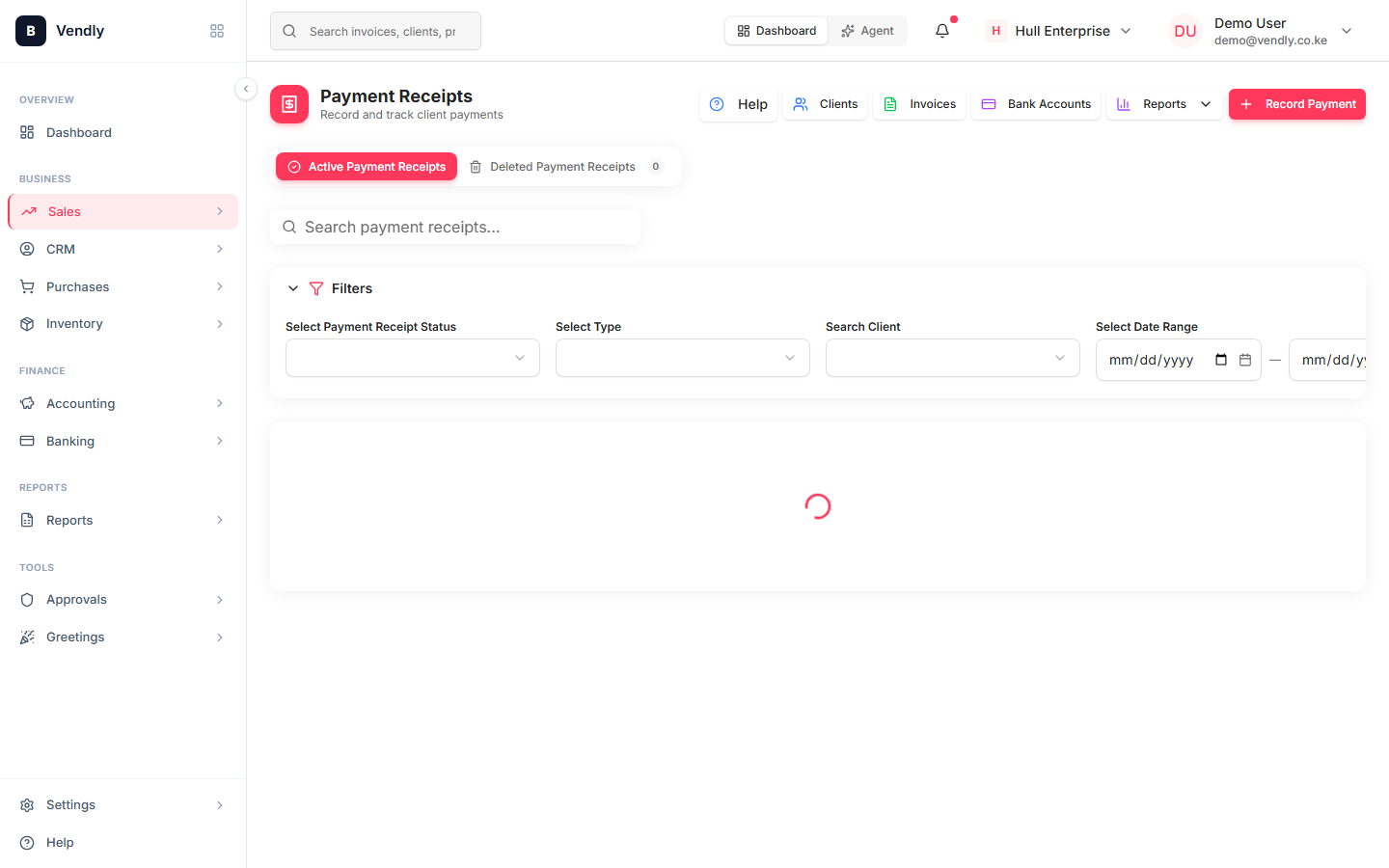
A payment receipt is the document that records when a client paid you, in what currency, against which invoice. Receipts drive your Accounts Receivable balance — every receipt clears (or partially clears) the matching invoice and posts a journal entry that moves cash from AR to your bank.
Recording a receipt
- Sales → Payment Receipts → New Receipt.
- Pick the client. Their outstanding invoices appear.
- Tick one or more invoices to apply this receipt against. Multi-invoice receipts are supported (one customer paying several invoices in one transfer).
- Enter the amount received. If less than the total of selected invoices, you can allocate manually — leftover goes to a 'customer advance'.
- Pick the payment method (Cash, M-Pesa, Bank transfer, Cheque). The method drives which GL account is debited.
- Save. Invoices marked fully paid flip to PAID. Partially paid invoices show a PARTIAL badge and the remaining balance.
M-Pesa payments
If you've connected M-Pesa Paybill / Till, incoming payments appear as Bank Transactions and can be matched directly to an invoice from the Banking module. That auto-creates the payment receipt and clears the AR balance without manual entry.
Overpayments and customer advances
When the receipt amount exceeds the selected invoices' total, the difference is held as a customer credit — a credit balance on the client's account that can be applied to a future invoice. Use Credit Notes if you need to refund the cash instead.
Reconciliation checklist (month-end)
- All PAID and PARTIAL invoices' receipts add up to the same total as the bank deposits / M-Pesa statement for the period.
- The Accounts Receivable trial-balance figure matches the sum of OUTSTANDING invoices on the Invoices list.
- Any client whose 'unpaid' figure looks wrong is the easiest place to start a reconciliation — there's usually a misallocated receipt.
Sharing a receipt with the client
Every payment receipt has a public share link the client can open in a browser. Email it as the formal acknowledgement, or send it on WhatsApp — the receipt PDF includes the invoice number and balance.