Getting started with inventory
Catalogue, warehouses and an opening stock figure — the three things you need before invoicing or sales orders can subtract stock.
Vendly's inventory tracks every unit of every product through purchases, sales, transfers and adjustments. The catalogue (what you sell), the warehouses (where you keep it) and the opening balance (how much was already there) are the three foundations — set them up once and every subsequent invoice or purchase moves stock automatically.
1. Define your catalogue
Each Product carries a name, SKU, default VAT rate, default cost and default selling price. Services are catalogued separately because they don't consume stock — only products do.
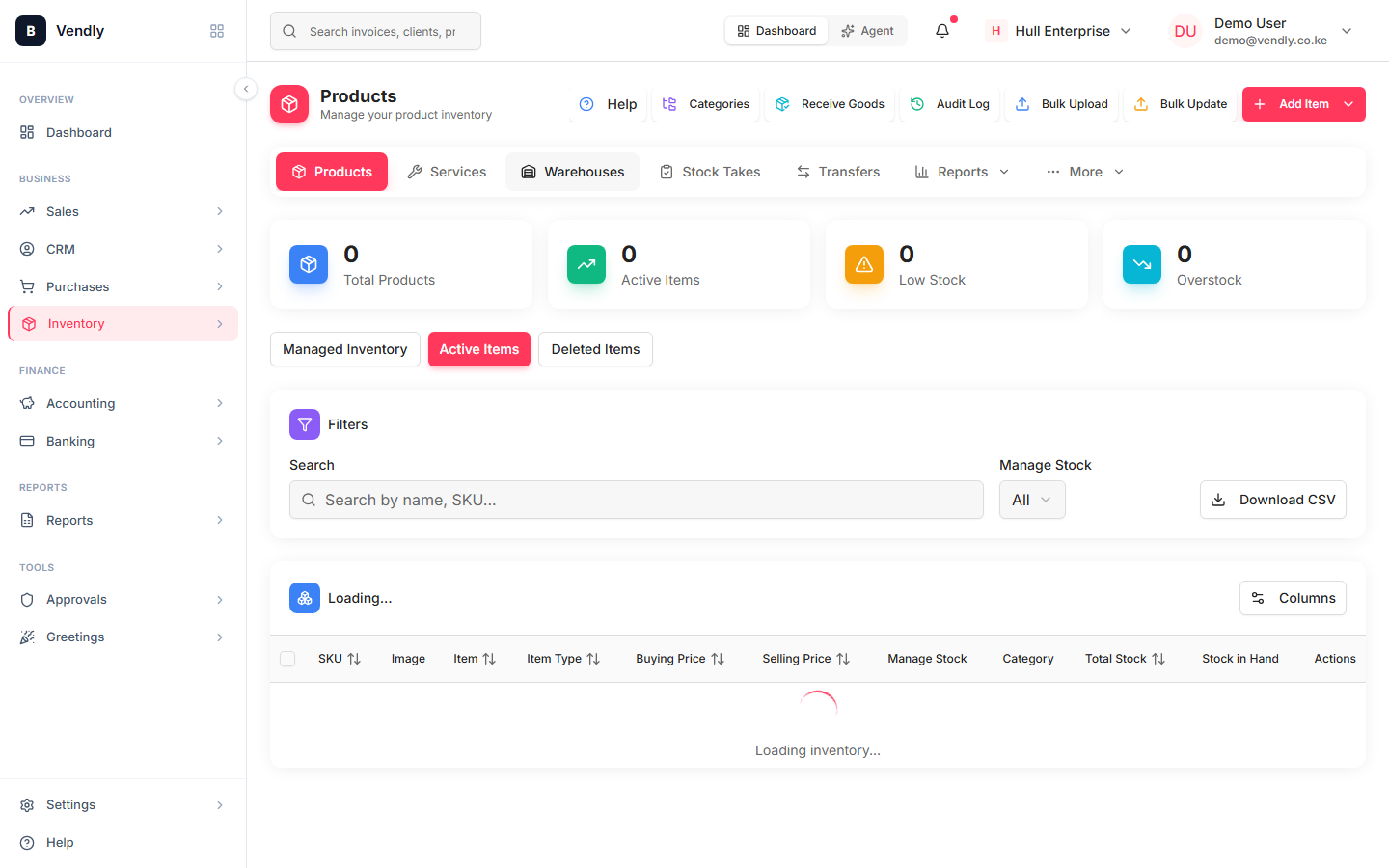
2. Add at least one warehouse
A Warehouse is a physical location stock lives in — your main shop, a back-store room, or a branch outlet. Every inventory movement (purchase received, invoice issued, stock take, transfer) is per-warehouse, so you always know where the stock is.
Add a warehouse
Warehouses3. Set opening stock
When you go live, Vendly needs to know what you ALREADY have. The easiest way is a one-time Stock Take per warehouse that records the opening quantity per product. From that point forward, every movement is tracked.
Run an opening stock take
Stock TakesHow stock moves
| Event | Effect on stock | Document |
|---|---|---|
| Goods received from a supplier | Increases the warehouse | GRN (Goods Received Note) |
| Invoice issued / sales order delivered | Decreases the warehouse | Invoice (or Delivery Challan) |
| Move between warehouses | Source ↓, destination ↑ | Stock Transfer |
| Periodic count | Adjusts to actual count | Stock Take |
| Damage / write-off | Decreases the warehouse | Stock Adjustment |