Stock takes — counting and adjusting on-hand
Physical counts reconcile what the system says to what's actually on the shelf. Run one when you go live, then quarterly or annually.
No matter how careful the team is, system stock and physical stock drift over time — theft, breakage, expired items, mis-keyed quantities. A Stock Take is the formal exercise that brings them back in line and produces the journal entry KRA and your accountant expect to see.
When to run a stock take
- Day-one opening balance — when going live with Vendly.
- Annually before audit — at the financial year-end.
- Quarterly for high-value or fast-moving lines.
- After a known incident — burglary, fire, flood, supplier error.
- When a category's variance reports look suspicious.
Running a stock take
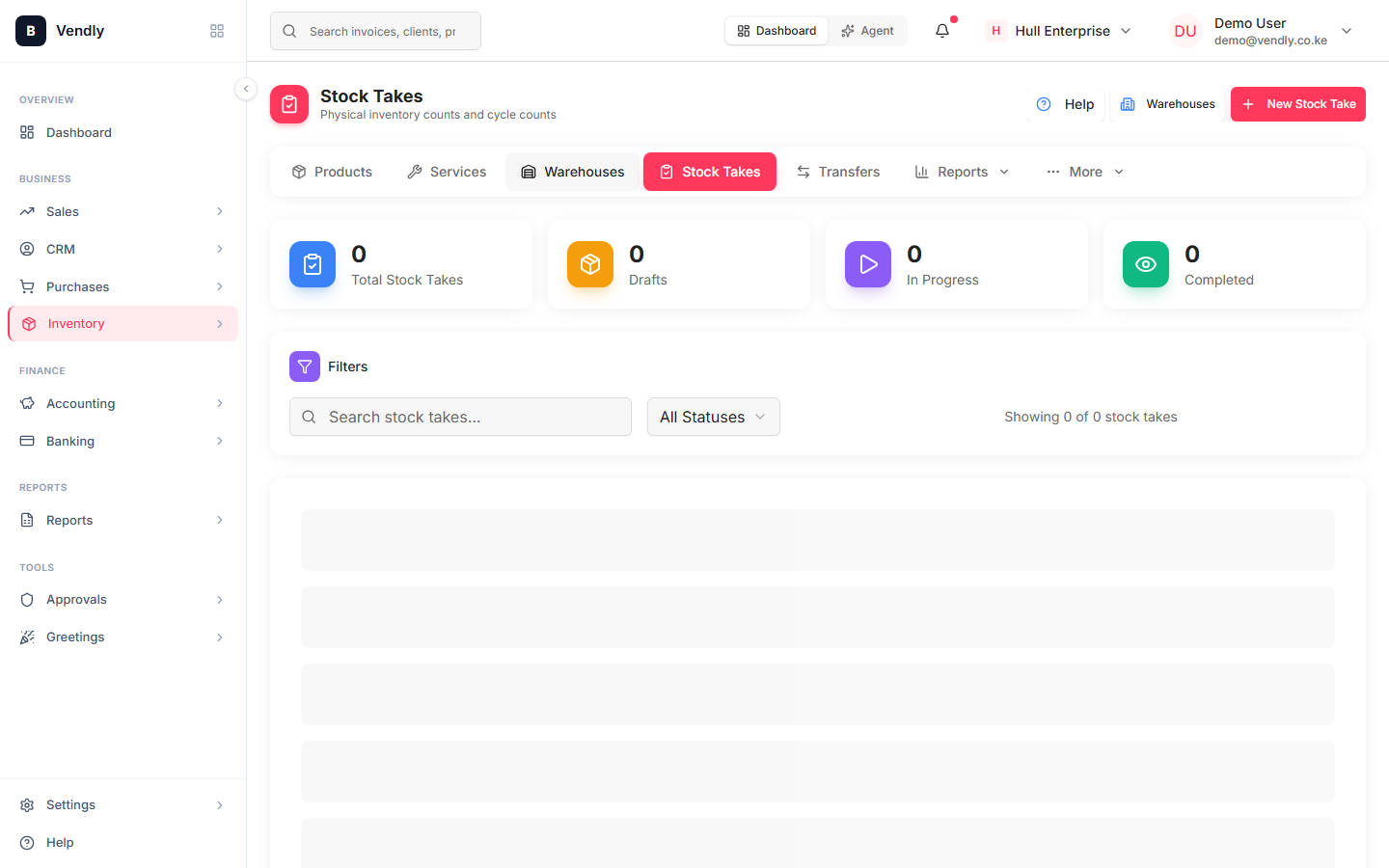
- Inventory → Stock Takes → New Stock Take. Pick the warehouse and (optionally) restrict to a category.
- Freeze the warehouse — print or download the count sheet. From this moment on, every movement must wait until the count is closed.
- Physically count and enter the actual on-hand quantity per line. Don't enter the system figure — enter what the team COUNTED.
- Vendly shows the variance per line (count − system). Lines with zero variance are auto-marked OK.
- Investigate non-zero variances before approving. A consistent pattern (every fast-mover light by 1) usually means a stale movement; an outlier (one SKU off by 200) is usually theft or breakage.
- Approve. Vendly posts the adjustment journal (Dr / Cr Inventory Variance vs Inventory) and stock balances update to the counted figures.
Cycle counting vs full count
A FULL stock take counts every line in every warehouse — accurate but disruptive. A CYCLE COUNT counts a slice (e.g. 1/12 of the SKUs each month) so the whole catalogue is covered annually without ever shutting down operations. Vendly supports both — pick a subset of products when creating the stock take.
The accounting effect
The variance journal posts to an 'Inventory Variance' (or 'Stock Adjustments') expense account. A negative variance (less than the system) hits the P&L as a loss; a positive variance (more than the system) hits as income — usually small but worth investigating regardless of direction.
Never adjust stock by editing the on-hand figure directly on the Products page. Always go through a stock take so there's an audit trail and a properly-posted journal entry — KRA can disallow any 'inventory write-off' that lacks one.