Warehouses, bins and per-location stock
Where you keep things. Every stock movement is per warehouse — and optionally per bin within a warehouse.
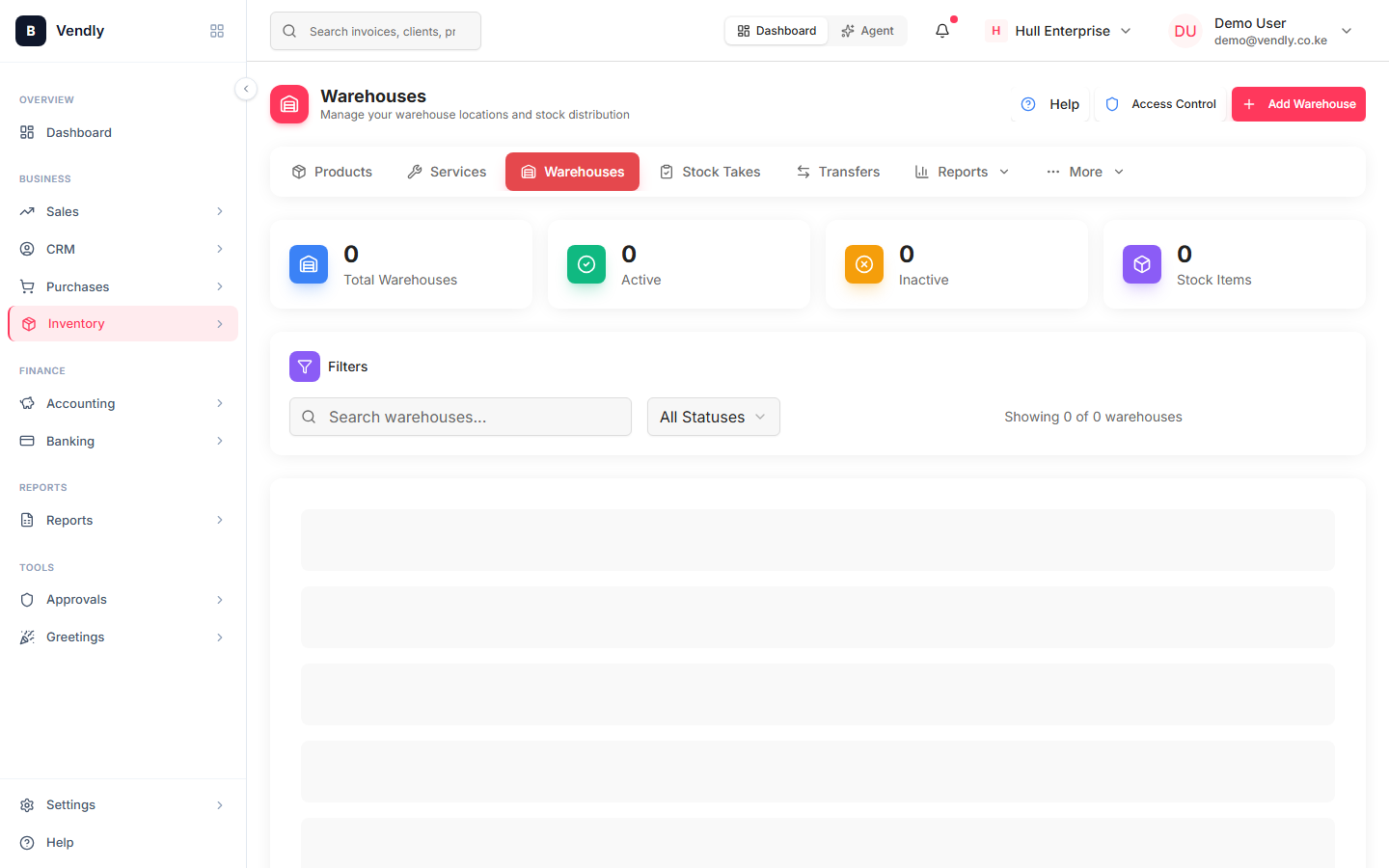
A Warehouse is the granularity at which Vendly knows where your stock is. Every purchase, sale, transfer, stock take and adjustment is per-warehouse — the same product can have different quantities in different warehouses, and the on-hand balance you see on the Products page is the sum across all of them.
When to use multiple warehouses
- Multi-branch retail — one warehouse per shop so you can see exactly which shop is over-stocked.
- Main store + back-store — accurate physical-vs-display split.
- Project / job sites — keep job-allocated stock isolated from general inventory.
- Bonded vs duty-paid — keep imports separated from cleared stock.
- Damaged-goods quarantine — a separate warehouse stops damaged items being accidentally sold.
Bins inside a warehouse
Bins are an optional sub-level. They model rack-and-shelf positions inside a warehouse so the picker knows exactly where to walk. Most SMEs don't need them; warehouses with > 500 SKUs almost always do.
Transferring stock between warehouses
Use a Stock Transfer document — never adjust both sides manually. The transfer reduces the source warehouse and increases the destination atomically, with a single audit trail and the matching GL journal (Dr Inventory @ destination / Cr Inventory @ source if the warehouses post to different GL accounts; otherwise a non-financial inventory-only move).
Create a Stock Transfer
Stock TransfersWarehouse access controls
Warehouse Access lets you restrict which users can view or move stock per warehouse — useful when a branch manager should only see their own shop's stock, not the central warehouse.
Set up warehouse access
Warehouse AccessIf you only have one location, leave it at a single 'Main Warehouse'. Adding warehouses you don't need creates real confusion at reconciliation time.